Let your work flow
Lead your projects and business operations with confidence. Step up to the next-level project management with innovative Scrum Boards and Jump to Dashboards features of Easy Project 13.

Seamless work and focused productivity
Unlock the potential of new Scrum Boards, designed in cooperation with certified Scrum.org experts. Enhance organizational transparency with Knowledge Base and Asset & Configuration Management.
Discover Custom Kanban – a professional tool for handling processes. Spot bottlenecks swiftly and resolve them in no time.
Enjoy intuitive design with your top-rated features at the heart of Easy Project 13.

How to get the most out of Easy Project 13?
Watch our recorded webinar and learn everything about Easy Project 13. Our release manager, Róbert Kováčik, explains the features of Easy Project 13. Discover the latest advancements, explore exciting features and gain invaluable insights. Play it now!
New features improve the way you work
Have an outstanding Scrum
Enjoy three easy-to-use boards that follow Scrum rules and rituals. Work efficiently with transparent product backlog items and sticky notes. Now the best practices of offline work are available in the online environment. Our Scrum Boards were developed in cooperation with Professional Scrum Trainer (Scrum.org™).
Scrum Boards support better teamwork and communication. They are designed to promote team collective responsibility.
Thanks to Easy Project 13 the implementation of Scrum is easy, flawless and effective.

Dashboards are just one click away
Easy access to your most needed dashboards. Explore the power of all dashboards in Easy Project whether you create a custom dashboard or a dashboard from a template. Just jump to them and add them to your favourites.

Complete know-how in one place
Avoid losing company know-how, keep it in one place and improve the efficiency of the company's operations. The right information is always at hand. The Knowledge Base uses wiki-structured content based on open-source MediaWiki technology, powerful search and visual editing.


Designed to bring ease to your work
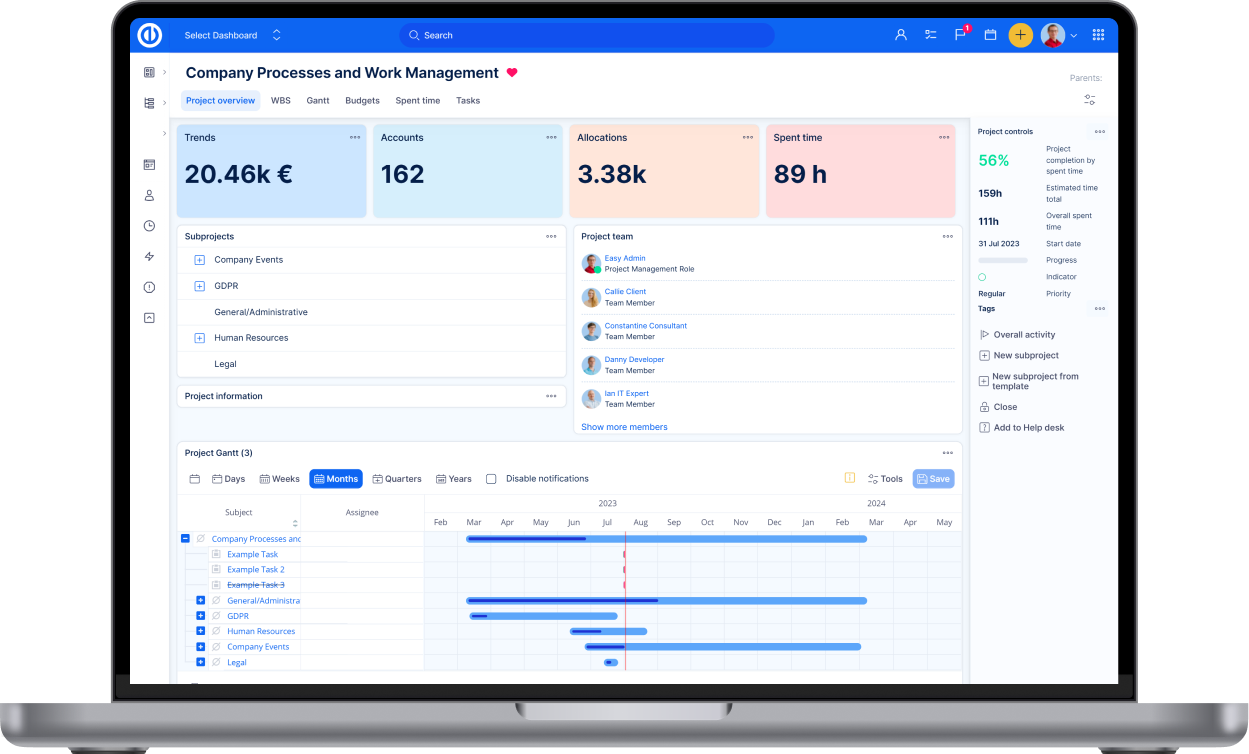
Or fly… Get ready for a delightful experience with Easy Project's new airy design. It was crafted to make the onboarding process even easier. We've taken a leap forward to ensure a better user experience, making your work more enjoyable and efficient. To help you to spread your wings even more we have also remade picture upload and search.

Best performance and security ever

The newest technology
Enjoy the modern and intuitive interface built on state-of-the-art technology.

Bulletproof security
Get the latest security patches, innovations and full support.

Best value and performance
Keep your projects, resources, business and client requests under control. All from one app.
Enjoy undisrupted project management

Perfect Scrum boards
Our new Scrum Boards adhere to the principles of the Scrum methodology, so they better promote team collaboration and responsibility.
We were extra conscious of the intuitive user experience. Using Scrum Boards emulates real-life collaboration as if your team was in a shared space, utilizing all its perks and benefits.

Enhanced teamwork and transparency
Real-time editing allows team members to see each other's updates instantly, enhancing coordination and transparency. Cards are intuitively created, simplifying task assignment and prioritization. They can be easily duplicated, so you don’t need to fill out the same forms over and over.
Our boards are LeSS-friendly (Large-Scale Scrum), accommodating backlogs for multiple teams simultaneously.

Insights are just a click away
Easily locate and customize dashboards that effectively serve as guiding signposts for various activities within your organization. Be it team coordination, bug tracking, delivery processes or reporting, our dashboards adapt to your specific requirements.
They allow you to create unique data views, each dedicated to a specific purpose. Switch effortlessly between dashboards - with the Jump to Dashboard function all the essential insights are just a click away.

Intuitive design
Changes could be demanding. That is not the case with the new version 13's design. We have improved the design so it is more understandable to the most important user of Easy Project, you. The interface is easier to navigate, performs better and it has improved dark mode for the late-night owls.


Blog list

The challenge of task tracking: Key issues for project managers and associated risks
Effective task tracking is essential for keeping projects on schedule, managing resources, and avoiding costly delays. Explore common challenges in task tracking and how the right tools can improve efficiency, collaboration, and project success!

Personal AI: Find your best personal AI assistant
Gartner's summary says it clearly: "Product managers expect AI to play a pivotal role in staying ahead in the market." So what can you do about it? Find your personal AI to elevate your strengths at work!

The role of AI in project management: Hot or not?
AI—is it truly transformative or just another tool in the project manager’s kit? Practical solutions like AI Project Status and AI Project Planner by Easy AI showcase how they can improve everyday tasks for project managers. Read through all the arguments I have gathered to prove that gen AI earns your attention.